
Welcome to Your Dashboard
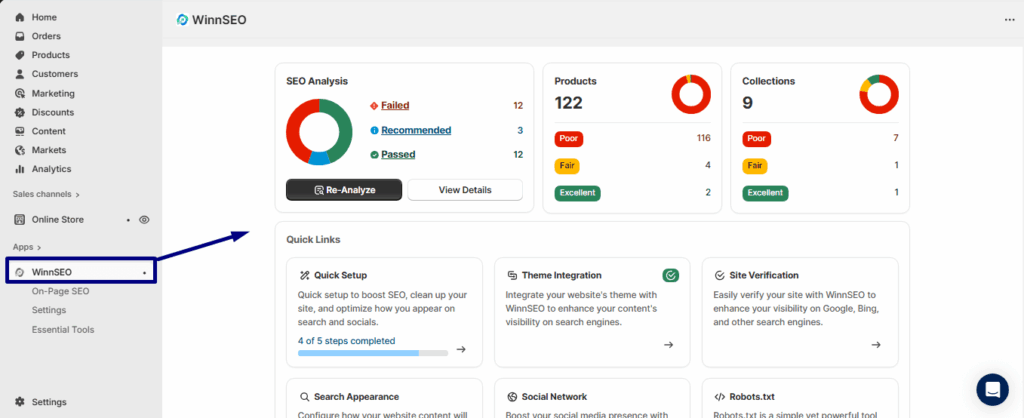
Think of the WinnSEO Dashboard as the control center for your store’s SEO. It gives you a quick snapshot of how your products and collections are performing, highlights what’s working, and points out what needs attention.
From here, you can track progress, re-analyze SEO Analyzer result, and jump straight into any SEO tool you need, all in one place.
Let’s get started!
Table of Contents
WinnSEO Dashboard
We can divide the dashboard into two parts: SEO Overview and Quick Links.
SEO Overview: Your Store’s SEO Report Card
This is your store’s SEO report card! It gives you a quick look at how your store, products, and collections are doing. The card also highlights what’s working well and what needs a little extra love to get them ranking.
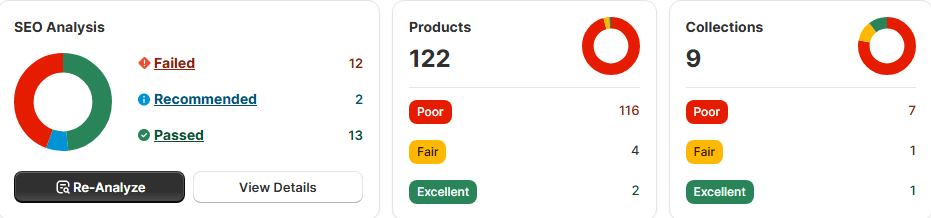
Let’s dive into what each of these cards can do for you.
Let’s Start with SEO Analysis
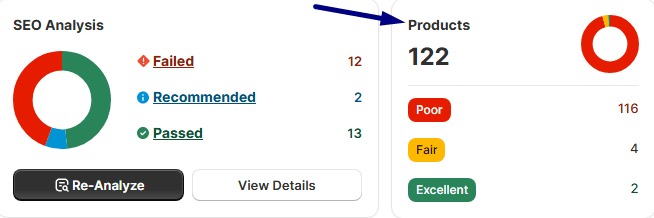
This section is all about checking how well your store is doing with SEO. It looks at things like your basic SEO, performance, and security; all the key stuff that helps you rank higher on search engines. WinnSEO points this out because fixing any failed checks can seriously boost your visibility and your chances of showing up in search results.
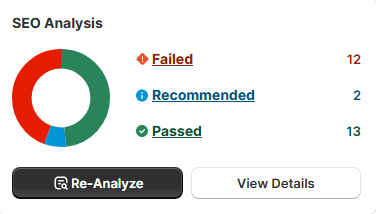
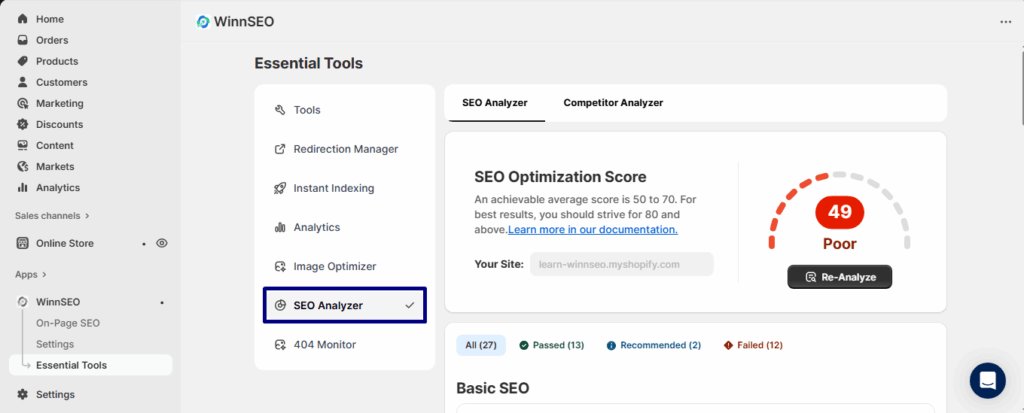
Moreover, if you want a fresh look, just hit the Re-Analyze button, and it’ll update the report for you. Or, if you want to dive deeper, the View Details button takes you to the SEO Analyzer in the WinnSEO Essential Tools, where you can check out the complete report. If you want to learn more on how to use WinnSEO’s SEO Analyzer you can check out our documentation.
Shopify Product SEO Overview
Just next to the SEO analysis, you’ll find Products.
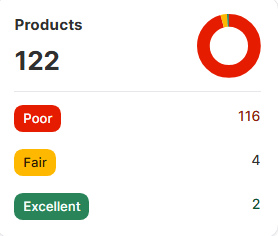
Product pages are super important for making sales. SEO is how you make sure people searching online can actually find your stuff.
In the WinnSEO dashboard, this part shows you how many products you have and how many of them are optimized. If you see a large number of products with a Poor score, you can optimize them to shine on search results. Learn how you can optimize your shopify products seo with WinnSEO AI Optimizer.
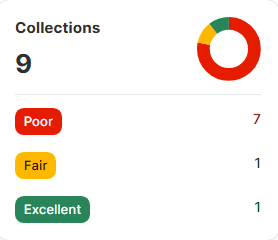
The last one: Collections SEO Overview
Think of collections as the way you group your products. They’re a great way for customers to find what they’re looking for, and WinnSEO points them out because a well-optimized collection helps people browse easily and can even show up in search results, bringing in more traffic.
Learn how to attract category-level traffic → How to Optimize Shopify Collection Pages with WinnSEO’s AI Optimization
Let’s jump into the next section.
Quick Links
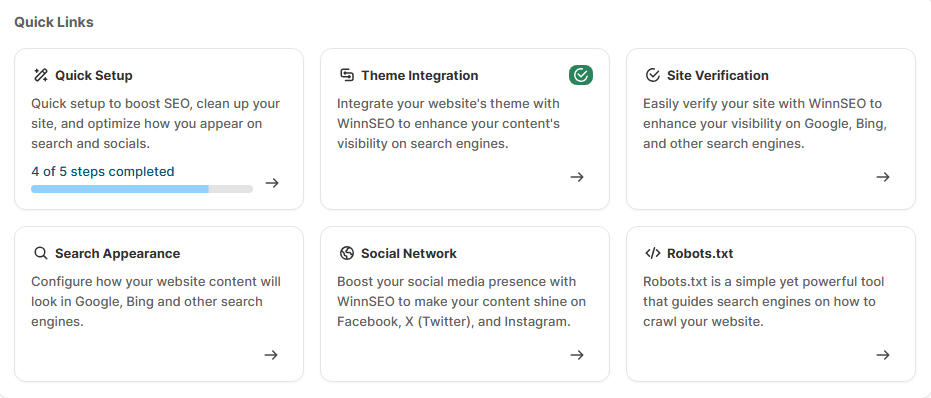
It shows you all the main features of the WinnSEO app at a glance. When you click on one card, it zips you straight to that specific feature so you can get to work on your SEO right away. It’s all about making it very easy to find what you need.
Let’s see what each card means and where it takes you.
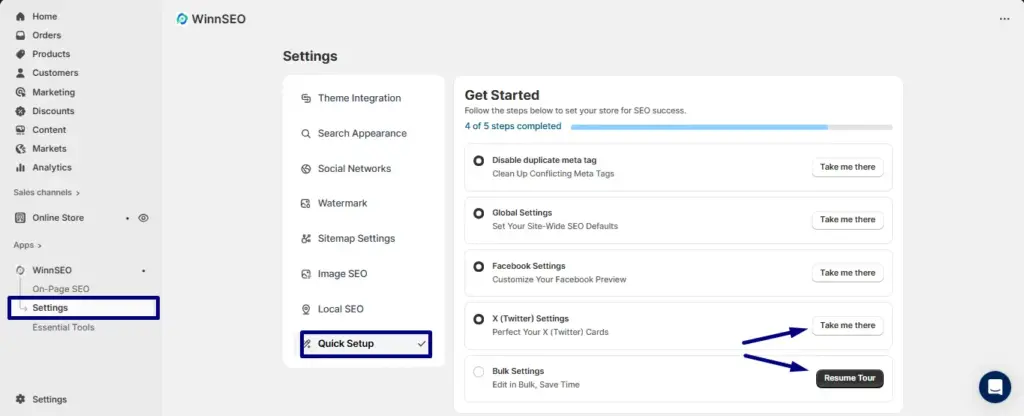
Quick Setup
This is your starting point! It’s a simple, step-by-step guide to get your store’s SEO on the right track. It introduces things like disabling duplicate meta tags, setting up your global SEO defaults, and customizing how your stuff looks on social media like Facebook and Twitter, and so on. Here you can learn more about the tour.
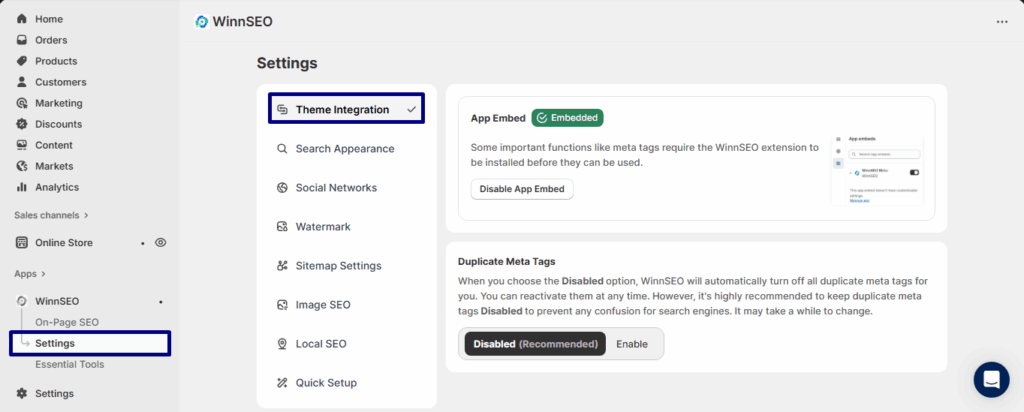
Theme Integration
Theme Integration in WinnSEO basically connects the app with your store’s theme. So, with it, all the important SEO tools run, like adding meta tags and other behind-the-scenes features. Think of it as plugging WinnSEO directly into your storefront so search engines see everything the right way. Once it’s embedded, you don’t have to worry! It just works in the background to keep your SEO setup smooth and search engine-friendly.
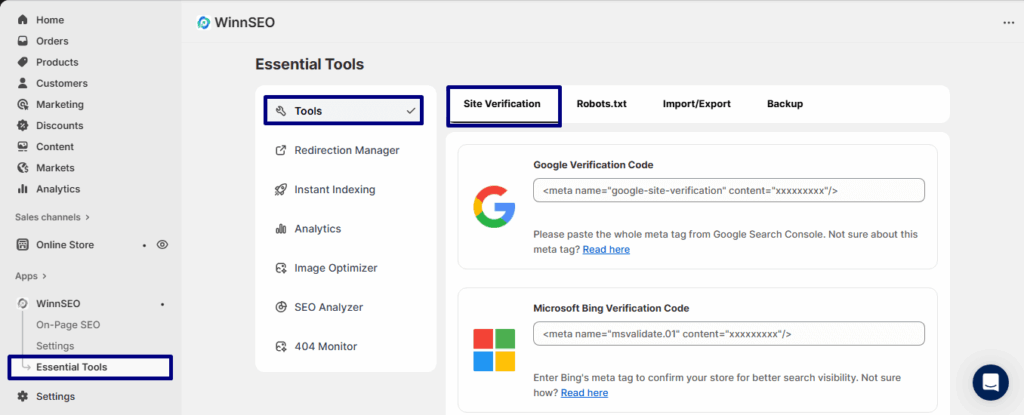
Site Verification
This is the section where you can take the necessary steps to verify your store with various webmaster tools like Google Search Console, Bing Webmaster Tools, Norton Safe Web, Baidu Webmaster Tools, Pinterest, and Yandex Webmaster. It’s crucial for better visibility and a must-do for using their webmaster tools. The app also makes it easy by giving you a place to paste the verification code.
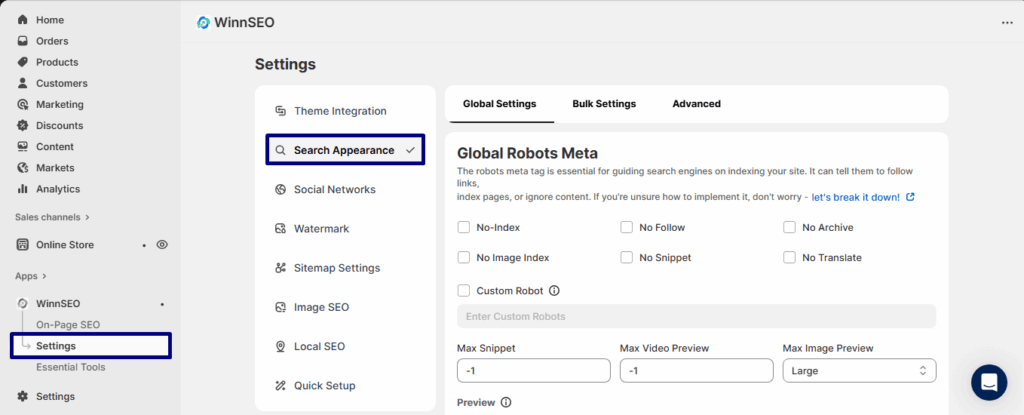
Search Appearance
This feature helps you control how your store appears in search results. You can set rules for Global, Bulk edit your products, collections, blog posts, etc and control the Advanced settings. This gives you more control over your store’s visibility. To learn more, you can check here.
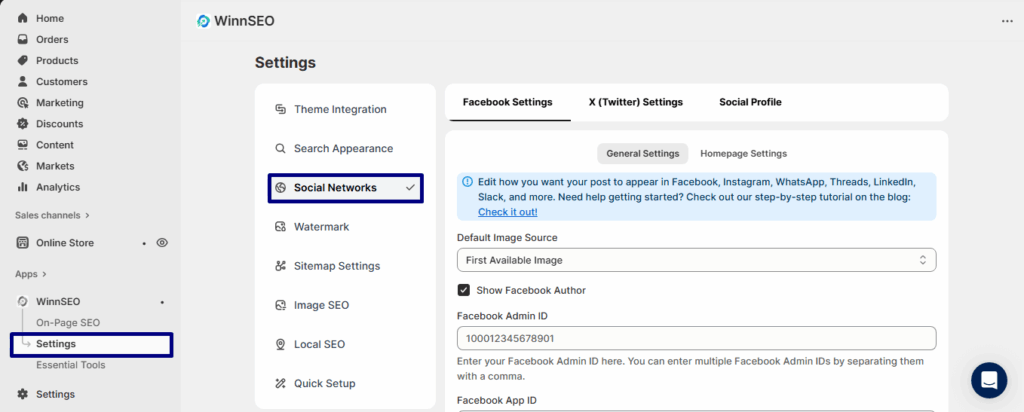
Social Network
This is where you get to customize how your store’s content looks when it’s shared on social media. You can set things up for Facebook and Twitter. So you can ensure your social posts have the right image and description to look professional and grab attention. For more details, you can check our guide here.
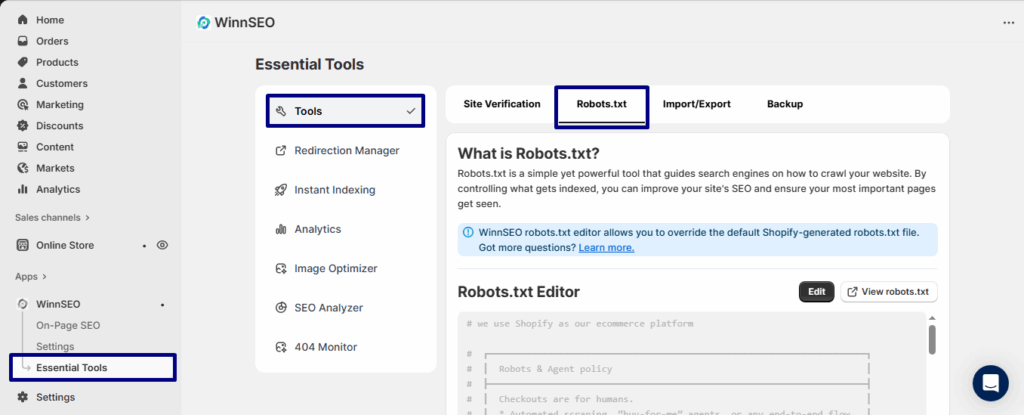
Robots.txt
Consider this a set of instructions for search engine bots. It tells them which parts of your website they should or shouldn’t crawl. By managing this file, you can guide search engines to your most important pages and improve your SEO. WinnSEO gives you an easy-to-use editor to make changes to your store’s robots.txt file.
This is all about WinnSEO dashboard, your all-in-one hub for mastering SEO effortlessly.
