
The WinnSEO App’s SEO Analyzer is like your website’s personal health coach! It gives you a super easy-to-understand report. It points out anything that might be making your site a bit shy in search results, so you can get it sparkling.
Let’s give you a glimpse of the reports!
Table of Contents
Analyzing Your Store’s SEO Score with SEO Analyzer
Login to your Shopify account. Find Essential Tools under the WinnSEO APP. Now move to the SEO Analyzer.
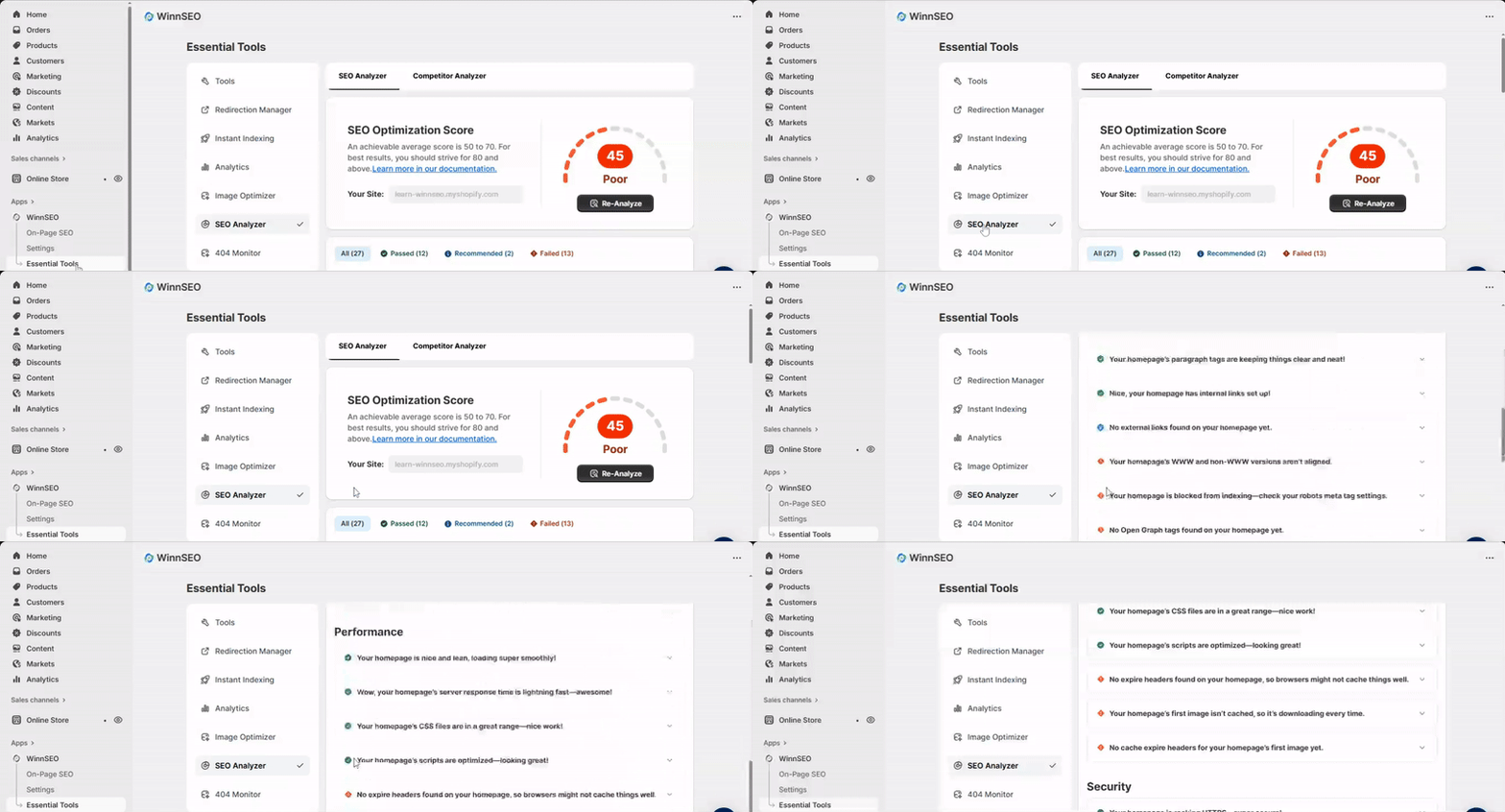
Let’s see what analysis WinnSEO performs for you. Below are the key tests and insights we provide:
Basic SEO
Homepage’s Meta Title
The meta title helps set a strong first impression and gives search engines and users a clear context about your site.
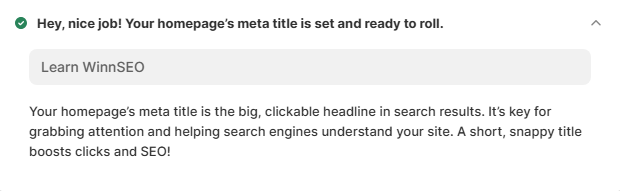
WinnSEO simply checks that your homepage has a meta title set up. It’s recommended to keep it under 60 characters so search engines don’t cut off your snappy headline.
Meta Description
The meta description gives a quick summary of what your page is about and appears under the title in search results.
To pass the test, you just have to add a short and engaging description, ideally under 160 characters, so search engines don’t have to guess what to show.

Common Keywords
Common keywords are frequently used words in the content. They are the magic words that help both people and search engines figure out what your content is all about. To pass this test, you must incorporate common keywords into your homepage content.

Common Words in Meta Title
Including target keywords in your meta title helps connect your page to relevant searches. Including one or two key phrases in your title can make it more effective for both search engines and users.
If you have already forgotten to use common words in the meta title, you can set them from the Homepage settings of WinnSEO and pass the test easily.

Common Words in Meta Description
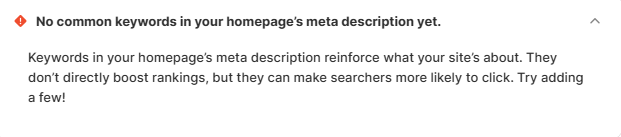
Common words in meta descriptions don’t directly help your ranking, but they make people want to click. And the words make your listing more appealing.
No worries if you forgot to include common keywords in your meta description; you can easily fix this and pass the test by heading over to the Homepage settings within WinnSEO and adding them there.
Canonical Link
A canonical link is basically you telling search engines, “Hey, this is the original version of this page! It just keeps things tidy and stops Google from getting confused between original content and similar content.
The canonical is automatically added to the homepage. If it is missing, you can check the global settings if the site is set to Noindex.

H1 Tag
Your H1 tag is like the main, huge headline for your homepage. It’s the one thing that screams what your page is all about. It gives structure to your content.
If your homepage doesn’t have H1, you’ll fail this test. You have to edit the liquid file and add the H1 tag. It’s best to have a clear, single H1 to show both visitors and search engines what the page is mainly about.

H2 Tags
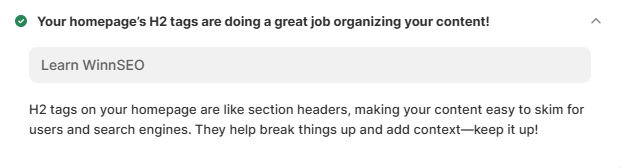
H2 tags are your page’s mini-headlines!. It helps to organize your content into sections and make it easier to read. If you’re using well-structured H2 tags then your homepage is doing a great job here. If not, then you must update your content with proper H2 tags.
Paragraph Tags
Paragraph tags are the basic structure for readable text on your page. They keep your content clean, clear, and easy for both humans and search engines to digest.
Is your homepage using paragraph tags well? You’re passed! Otherwise, you have to edit your content and set exact paragraph tags.

Internal Links
Internal links are like little pathways connecting different pages within your own website. It also distributes SEO value across your content.
If your homepage includes internal links, that is great for both user experience and search engine crawling. Failing that, you need to add some internal links.

External Links
External links point to trusted sites and can help build credibility. It’s kind of like giving a shout-out to a reliable source.
No external links in your homepage? Ummm.. you failed the test!
No issues! You can still update the homepage by adding a few external links to high-quality, relevant sites.

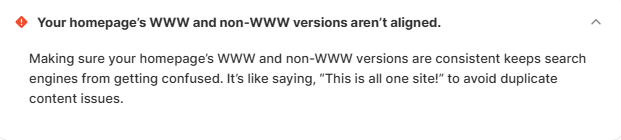
WWW Canonical
Okay, so search engines are a bit picky: They treat www and non-www URLs as different pages unless told otherwise. You need to pick one favorite version and stick with it consistently.
To pass this test, make sure your website is consistently accessed with or without “www.” If you fail, get your WWW and non-WWW versions to agree on which is the main one. And don’t forget to redirect the other version.
Meta Robots No Index
This setting is like a “do not enter” sign for search engines. It tells them, “Don’t show this page in search results!
Is the homepage blocked from indexing? You might have unintentionally done this! Go back to WinnSEO settings and allow indexing so your site can appear in search.

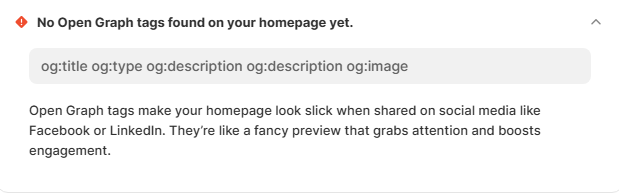
Open Graph Meta Tags
Open Graph is what makes your page look awesome when you share it on social media platforms like Facebook or LinkedIn.
If the tags are currently missing, consider adding them to pass the test. You can easily add them with WonnSEO Facebook settings. These tags helps your homepage appear more polished and clickable when shared.
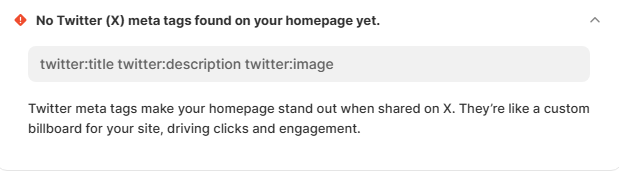
Twitter (X) Meta Tags
Just like the Open Graph tags, Twitter (X) meta tags are specifically for making your content look great when shared on X.
Missing these tags on your homepage means the test fails. Just head to WinnSEO’s X (Twitter) settings to quickly pop them in and pass.
Advanced SEO
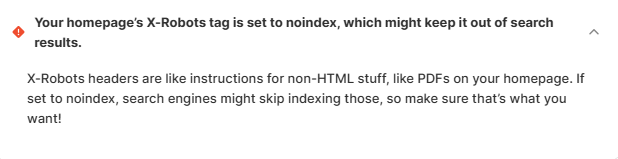
X-Robots No Index
This is another way to tell search engines, “Please don’t put this content in your search results,” especially for files that aren’t typical web pages..
Does your homepage have this set to “no index”? Then it could keep it from showing up in search, and you’ve failed the test. If that’s not the goal, it’s worth reviewing the homepage header.
Robots.txt Presence
The robots.txt file tells search engines which parts of your site they can or can’t crawl.
No robots.txt file means a failed test. Check the Shopify liquid file and place it on your site to significantly improve crawl efficiency.

Robots.txt Disallow Rules
Disallow rules within your robots.txt file are like specific “keep out” signs. While it’s great to have the file, you have to be careful! It’s a good idea to peek at these settings and make sure you’re not hiding any gems.
To pass the robots.txt test, your disallow rules must be exact, blocking only truly excluded content. If you fail, review your rules to avoid accidentally blocking crucial pages that need to be crawled and ranked.

Image Alt Text
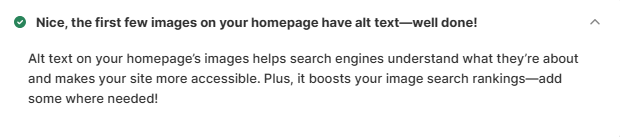
Alt text describes images for search engines and users with screen readers. It helps to improve both SEO and accessibility.
You’ll fail the test if there are no alt texts to your images. So, you should consider adding them from the Shopify media files.
Performance
Page Size
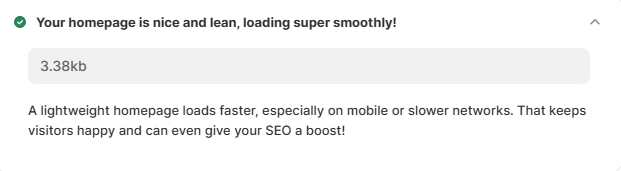
A smaller page size loads faster, especially on mobile or slower networks. We recommend keeping the page size less than 50 KB, and if your homepage is less than 50KB, you’ll pass the test.
Has your page size passed this criterion? Hooray! Your lightweight homepage has passed this test. If not, try optimizing images and other assets to slim it down.
Response Time
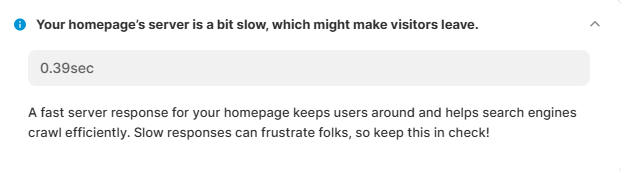
Server response time is how quickly your website starts to wake up after someone clicks on it. If it’s a bit sluggish, people might get bored and bounce away. We recommend aiming for a server response time of 0.2 seconds. Achieving this will help your homepage pass the test.
If the server is slow, you’ve failed this test. Work on speeding up its response time for a better user experience.
Total Stylesheets
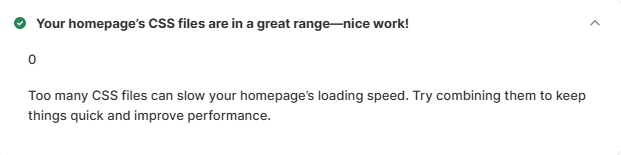
Think of stylesheets (CSS files) as the fashion designers for your website, telling it how to look. It also keeps loading times reasonable and performance strong.
Failing to maintain the range of the homepage’s CSS files means failing the test. To pass the test, aim for a small number of CSS files on your homepage (5 or less).
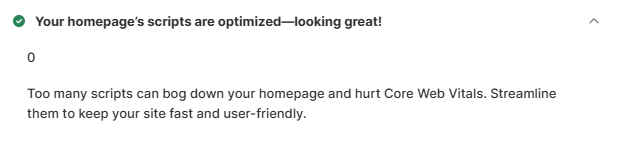
Total Scripts
While they are great for good performance and user experience, using too many scripts can significantly slow down your site’s loading time and negatively impact performance.
If the script counts low (5 or less) on your homepage, you’ve passed the test. Alternatively, try to combine or defer them.
Expire Headers
Expired headers are like little reminders for a visitor’s web browser, telling it, Hey, you can hang onto these files for this long before checking for new ones!
Missing the “expire headers” on your homepage means browsers might not cache things well. So, to pass this test set up expire headers for your homepage’s assets so browsers can cache them.
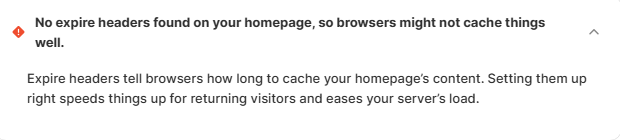
Image Caching
Caching saves your images locally for faster repeat visits. And you can also prevent slow down performance.
If WinnSEO sees that the first image on your homepage isn’t cached, you’ll fail this test. So, you have to enable caching to pass the test and you’ll see a noticeable difference too.

Image Cache Expiry
This simply tells your visitor’s browser how long it can hold onto an image before needing to check for a new one. Setting an expiry time keeps things fast for return visitors because their browser knows it can use the saved image for a specific period.
No cache expire headers for your homepage’s first image yet? Don’t stress! Set cache headers for your first image. Now, you’ll pass the test and enjoy improved loading times.

Security
SSL Status
It encrypts data, making your site secure for visitors. This builds trust with your audience and is a must-have for good SEO. Keep that green padlock locked!
Your SSL status basically means your website is using HTTPS, which is super important for your site and passes this test! If you haven’t switched to HTTPS yet, do it now!
So, it’s basically your go-to guide for getting your site into tip-top shape. Now it’s your turn, try and make sure Google and your future visitors fall in love with it!
