
Welcome to the future of e-commerce content! Inside WinnSEO, you’re getting access to powerful AI settings that handle SEO across your entire store, making sure every page is built to rank and convert.
The days of manually drafting titles and guessing keywords are over. Our AI Optimization Settings give you complete control to deploy our advanced AI, not just on your best sellers, but everywhere a customer might land.
Let’s explore the useful controls of this system through products, collections, pages, blog pages, and blog posts.
Table of Contents
AI Optimization for Products
- Navigate to the Settings option of WinnSEO
- Go to the AI Optimization tab
- See, the Products tab is already selected
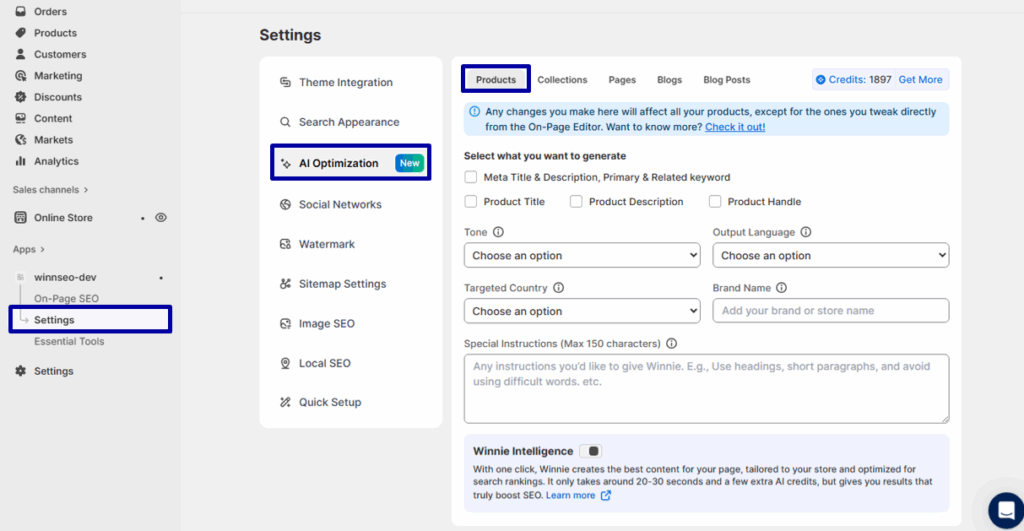
Select what you want to generate with WinniSEO AI settings
- Meta Title & Description, Keywords: The AI writes the great little snippets Google shows in search results and finds the best words to help your page rank.
- Product Title: Get a fresh, catchy, and optimized name for your product that will grab a shopper’s attention.
- Product Description: This generates a clear, exciting story about your product that is also perfect for search engines.
- Product Handle: Creates a clean, simple, and search-friendly link (URL) for your product page.

More Customization Options
These are the advanced settings used to define the nature of the AI’s content:
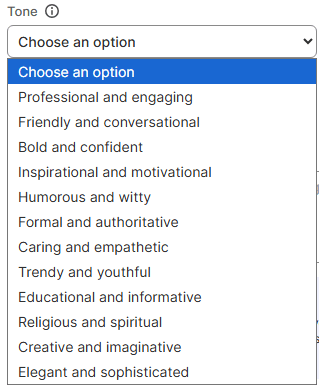
Tone: This is where you pick the personality for your content. For example, bold and confident, educational and informative, trendy and youthful, and so on.
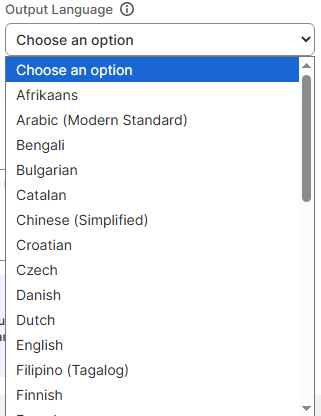
Output Language: Here, you can inform the AI precisely which language it must use for the generated text. That is English, French, Bangla, Japanese, etc.
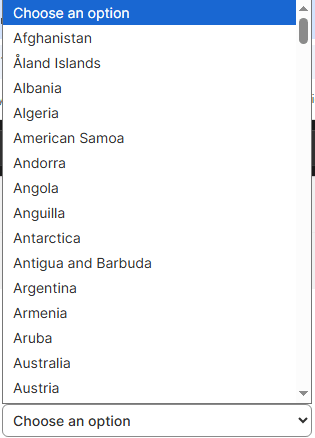
Targeted Country: This is super important! It makes sure the AI uses local slang, correct spelling, and cultural info. So your content feels totally native to that country.
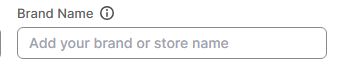
Brand Name: Simply tells the AI who the content is for, so it can keep the naming consistent throughout the content.
Special Instructions (Max 150 characters): Your little notepad for quick and specific directions. For instance, you can instruct the AI to keep it punchy or add a dog joke.

Winnie Intelligence
Meet Winnie Intelligence! It’s the awesome AI built right into WinnSEO. Turn it on, and it does the hard work for you: finding the best title, suitable keywords, and writing those perfect product descriptions. It’s your secret weapon to save hours and grow your Shopify store faster!

AI Optimization for Collections
Products done? Great! Just slide over one spot, and you’ll find the Collections tab waiting to be optimized.
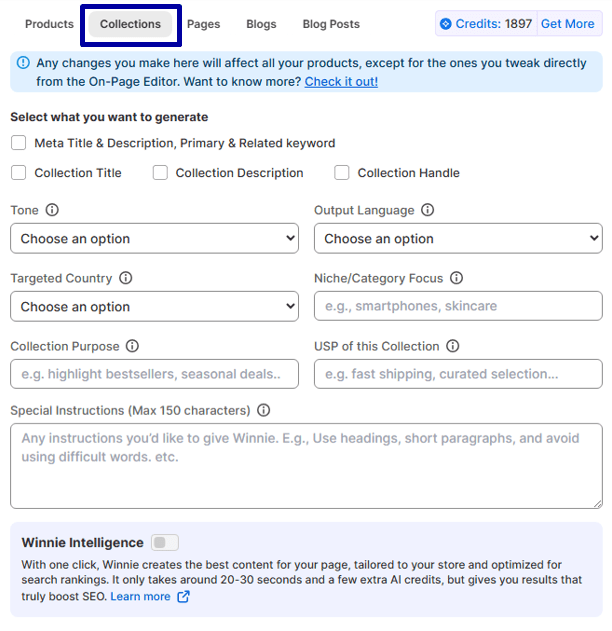
Good news! All the basic settings are the same as in the Products tab. The only thing that changes is the Customization Options; you’ll see a few extra fields here besides your Tone, Language, and Country picks:
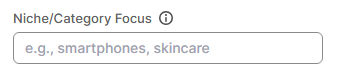
Niche/Category Focus: You can tell the AI the main topic of your collections. So it knows what to write about, e.g., Sustainable Dog Toys or Vintage Silk Scarves.
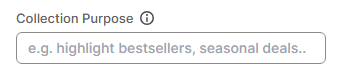
Collection Purpose: Write the reason for the collections here. Like, inform the AI that it’s a seasonal sale, a lifestyle bundle, or a beginner’s guide
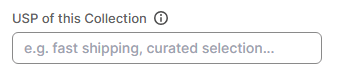
USP of this Collection: This is where you tell the AI the one best-selling point so it can highlight that unique angle in the content.
AI Optimization for Pages
If you’re finished with the Collections section, the Pagesare right next door. You can’t miss that tab!
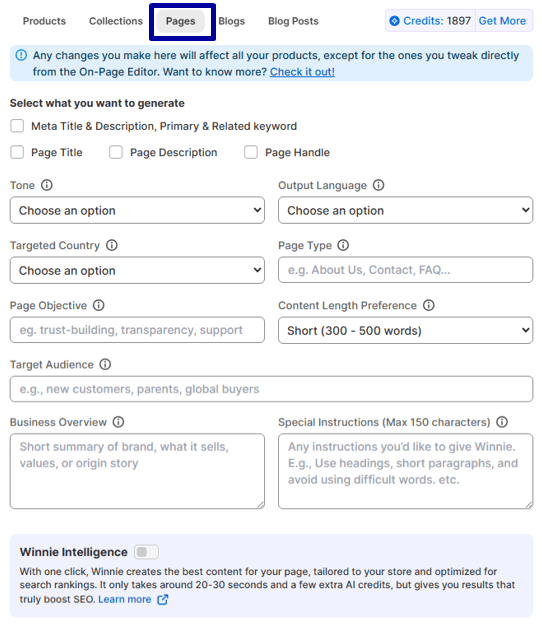
It’s easy from here! The main settings, like Tone, Language, Country, and Special Instructions, match the Products tab. You’ll just notice a few more helpful spots in the Pages Options section.
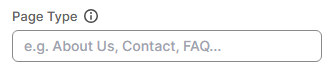
Page Type: Using this field, you can simply tell the AI if it’s writing a standard page, a landing page, or a different kind of content.
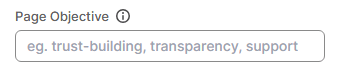
Page Objective: It lets you set the goal for the page, like getting sign-ups, explaining a policy, or driving people to a product.
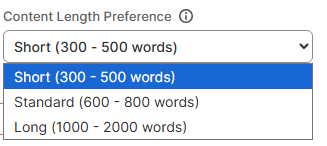
Content Length Preference: This lets the AI know if you need a quick paragraph, a standard article, or a long, detailed guide. For example, you need a short paragraph within 300-500 words.
Target Audience: You tell the AI who the content is for, e.g., new parents, busy developers, or DIY enthusiasts.

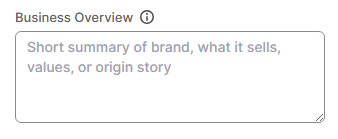
Business Overview: This gives the AI a quick summary of your company, so the content sounds perfectly on-brand.
AI Optimization for Blog Pages
Heads up! Right beside the Pages is where you jump into your Blogsto start optimizing those.
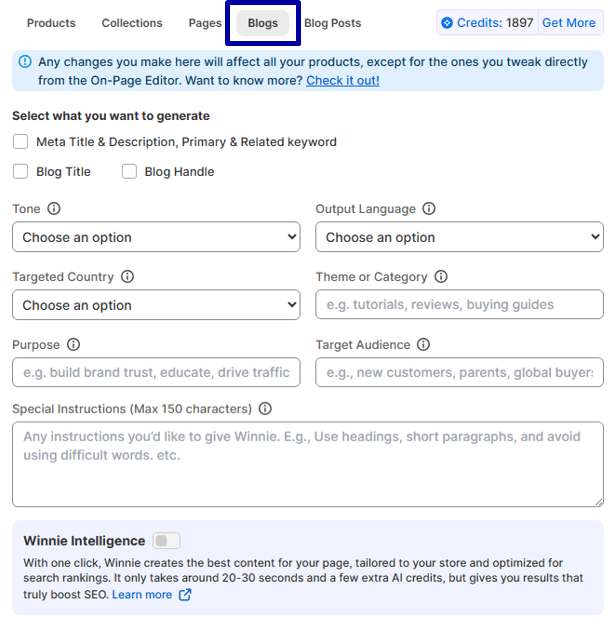
No need to re-learn anything! Everything is identical to the Products tab, but you’ll have some bonus options in the Blogs Options above and beyond Tone, Language, Targeted Country, Purpose etc.
Theme or Category: This is where you tell the AI the main subject your blog focuses on, so it can make sure the content is a perfect fit!
AI Optimization for Blog Posts
You’ll see the Blog Posts tab sitting pretty, just to the right of your Blogs, ready for your attention.
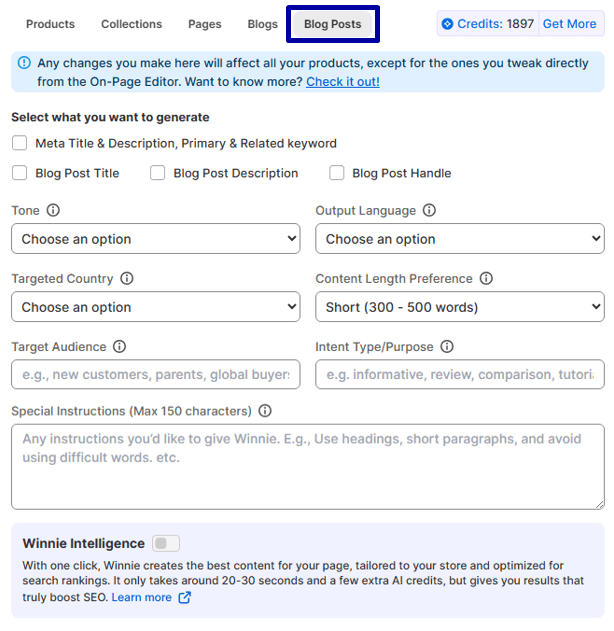
You already know this part! The settings are a clone of the Blogs tab. Just head to Blog Posts, and you’ll find all the cool customization options.
Wrapping Up Your AI Optimization
That’s the whole picture! From tiny product titles to your main blog pages, WinnSEO’s AI Optimization gives you full control.
