
Having blog posts on your site is powerful. But if no one finds your posts, they won’t get the attention they deserve. On-page SEO helps by polishing titles, keywords, and images so search engines know exactly what your post is about.
With WinnSEO, optimizing blog posts is quick and effective. This guide walks you through how to get noticed without paying for ads.
Using WinnSEO On-Page SEO
Log in to your Shopify account.
- Head over to WinnSEO. Open the On-Page SEO section.
- Click on the Blog Posts tab, and select the article you want to work on.
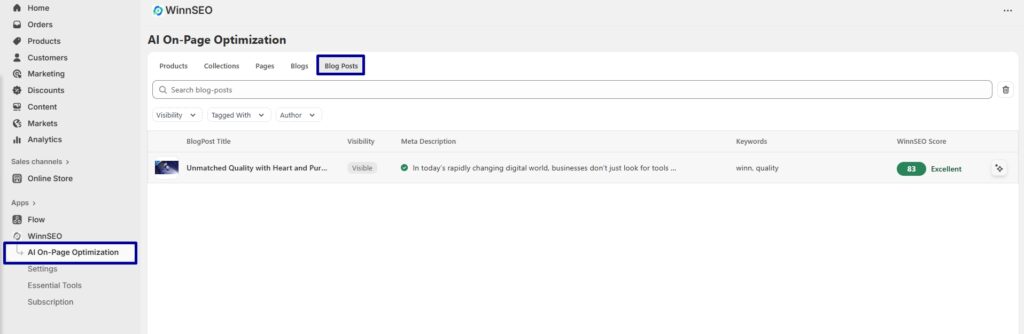
WinnSEO Score Guide
1–50: Your blog post is lacking essential SEO elements. Features such as keywords, meta information, or proper headings may not be in place yet. Fixing these basics will give you a quick boost.
51–80: You’re on the right track, but there’s still room to grow. Fine-tune your keyword usage, polish your descriptions, and expand your content to make it stronger.
81–100: Great job! Your SEO is in excellent shape. Keep refining and stay updated with best practices so your content continues to perform well.
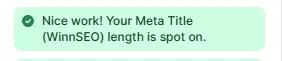
Meta Title Length (WinnSEO)
Your meta title is the headline that shows up in search results. It should stay between 50–60 characters to be fully visible and attractive.
If you’ve got a yellow signal, it means it’s too short and needs a little more detail.
Red means it’s too long and will get cut off and the green flag means your title length is just right.
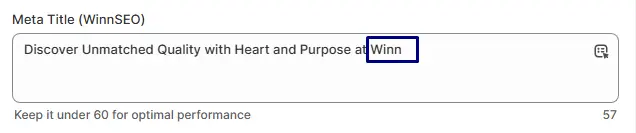
Focus Keyword in the Meta Title
Including your focus keyword in the title helps both search engines and readers understand your blog post instantly. If it’s missing, WinnSEO will flag it red. Add the keyword naturally, and once it turns green, you’re good to go.
Focus Keyword in the Blog URL
The handle of your blog post should also include the focus keyword. If WinnSEO shows red, it’s missing. When green, it means your link is clear and optimized.

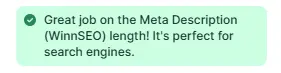
Meta Description Length (WinnSEO)
This is the short snippet below your title in search results. Keep it between 150–160 characters so it’s complete but still fits. If too short, you’ll see yellow. If too long, you’ll see red. Green means your description is clear, enticing, and the perfect length.
Focus Keyword in the Meta Description
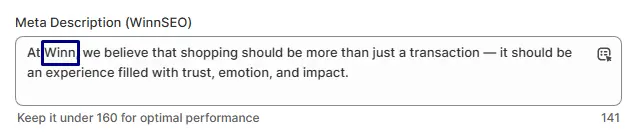
Adding your keyword here makes your blog post more relevant. If red, weave it in naturally. Green confirms it’s included properly.
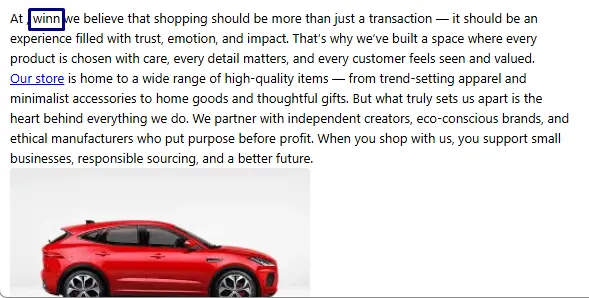
Focus Keyword in the Blog Post
Your keyword should appear naturally in the article itself. If it’s missing, WinnSEO shows red. Once included, it turns green, meaning your keyword is well-placed.
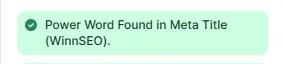
Power Word in the Meta Title
Power words make your headline pop, terms like “Ultimate,” “Valued,” or “Precise.” If WinnSEO flags it red, add one for impact. Green means your title is stronger and more eye-catching.
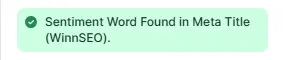
Sentiment Word in the Meta Title
Sentiment words add emotion and connection, making people more likely to click. If missing, you’ll see red. Add words like “Amazing” or “Charisma” and the signal will turn green.
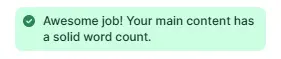
Word Count
For blog posts, aim for at least 800 words. Too short, and WinnSEO marks it yellow. Green means you’ve provided enough depth for both readers and search engines.
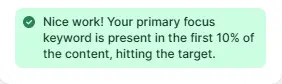
Primary Focus Keyword Placement
Place your keyword within the first 10% of the content. If it’s too far down, you’ll see red. Green means it’s positioned effectively.
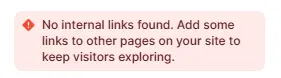
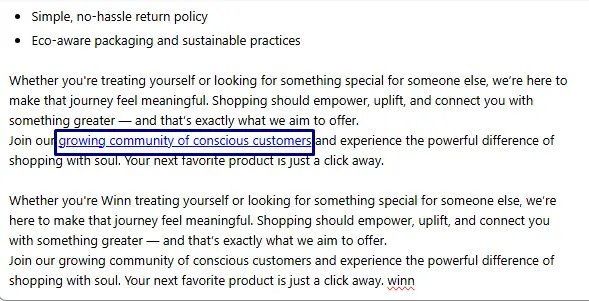
Internal Links
Adding links to other blog posts or pages within your site strengthens SEO and keeps readers exploring. If missing, it’s flagged red. Green shows your blog post is well-linked.
External Links
High-quality external links add authority and trust. If none are included, WinnSEO marks it red. Green means your post is supported by credible sources.
Focus Keyword in Subheadings
Subheadings make your blog posts easier to read while also giving search engines extra signals. If no subheading contains your keyword, WinnSEO shows red. Once included, you’ll see green.
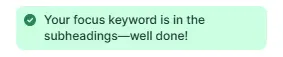
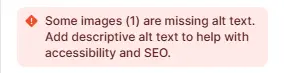
Image Alt Text
Every image should have alt text describing what’s shown. If missing, WinnSEO will flag it red. Green means your images are accessible and optimized.
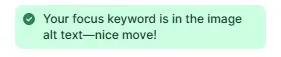
Focus Keyword in Image Alt Text
Using the keyword in at least one image’s alt text helps search engines connect the content. If it’s not there, you’ll see red. Green confirms it’s been added.
Paragraph Length
Long walls of text are hard to read. Keep paragraphs around two to four sentences. If they’re too long, you’ll see red. When balanced, WinnSEO shows green, meaning your post is reader-friendly.

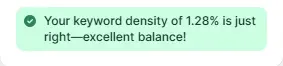
Keyword Density
The sweet spot for keyword use is about 1–1.5%. Too little or too much is flagged red. When green, it means your keywords are balanced and natural.
With WinnSEO guiding you step by step, every adjustment turns your blog posts into SEO-friendly, reader-focused content.
