
Why Competitor SEO Analysis Matters for Shopify Stores
Running a Shopify store means you’re always competing, not just on price or product, but on visibility in search results. Customers can’t buy from you if they don’t find you first.
The challenge? Your competitors are working on SEO too. Some might be doing it right, others not so much, but either way, you need to know.
That’s where the WinnSEO Competitor Analyzer steps in. Think of it as your secret SEO spy. It gives you a simple, clear snapshot of what your competitors are doing, what’s strong, what’s weak, and shows you exactly where you can outperform them.
The WinnSEO Shopify SEO App’s Competitor Analyzer is like having a secret spy for your niche! It gives you a simple, clear snapshot of what your competitors are doing right and maybe not so right.
With this tool, you can spot opportunities, compare strategies, and figure out exactly how to make your website stand out.
Let’s dive in and see what the reports reveal!
Table of Contents
How to Use WinnSEO Competitor Analyzer (Step-by-Step)
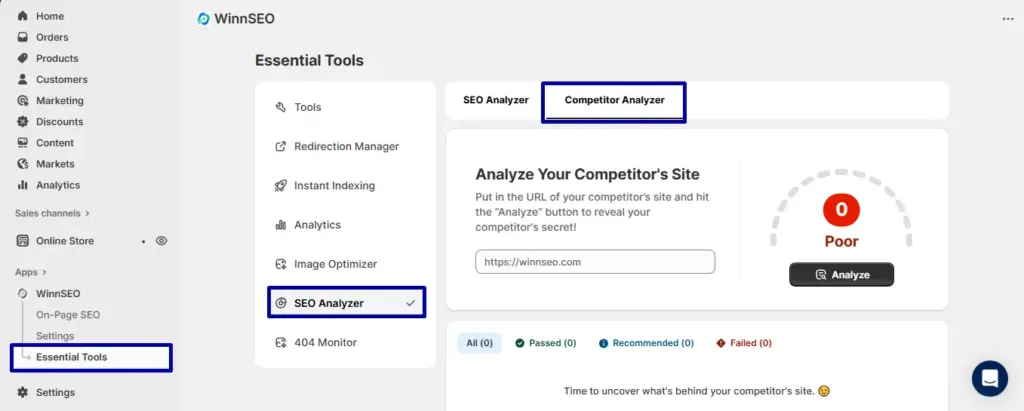
Access your Shopify store account then –
- Go to WinnSEO
- Below you will found Essential Tools
- Find SEO Analyzer
- Next, select the Competitor Analyzer
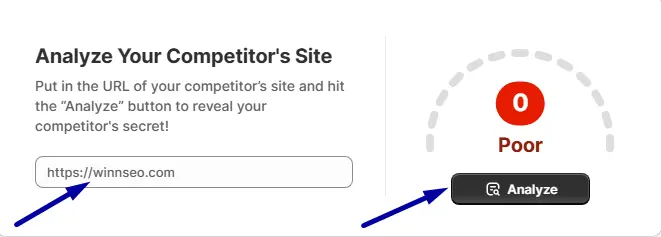
Can you see the small field out there? Insert your competitor’s site link to this given field. Then just clcik on the Analyze button.
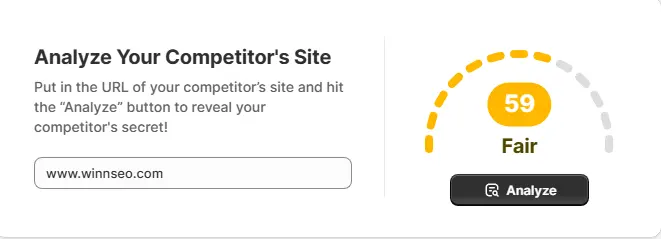
Here you go! WinnSEO has analyzed your competitor’s site and shown the score.
What does the score say? Check right here.
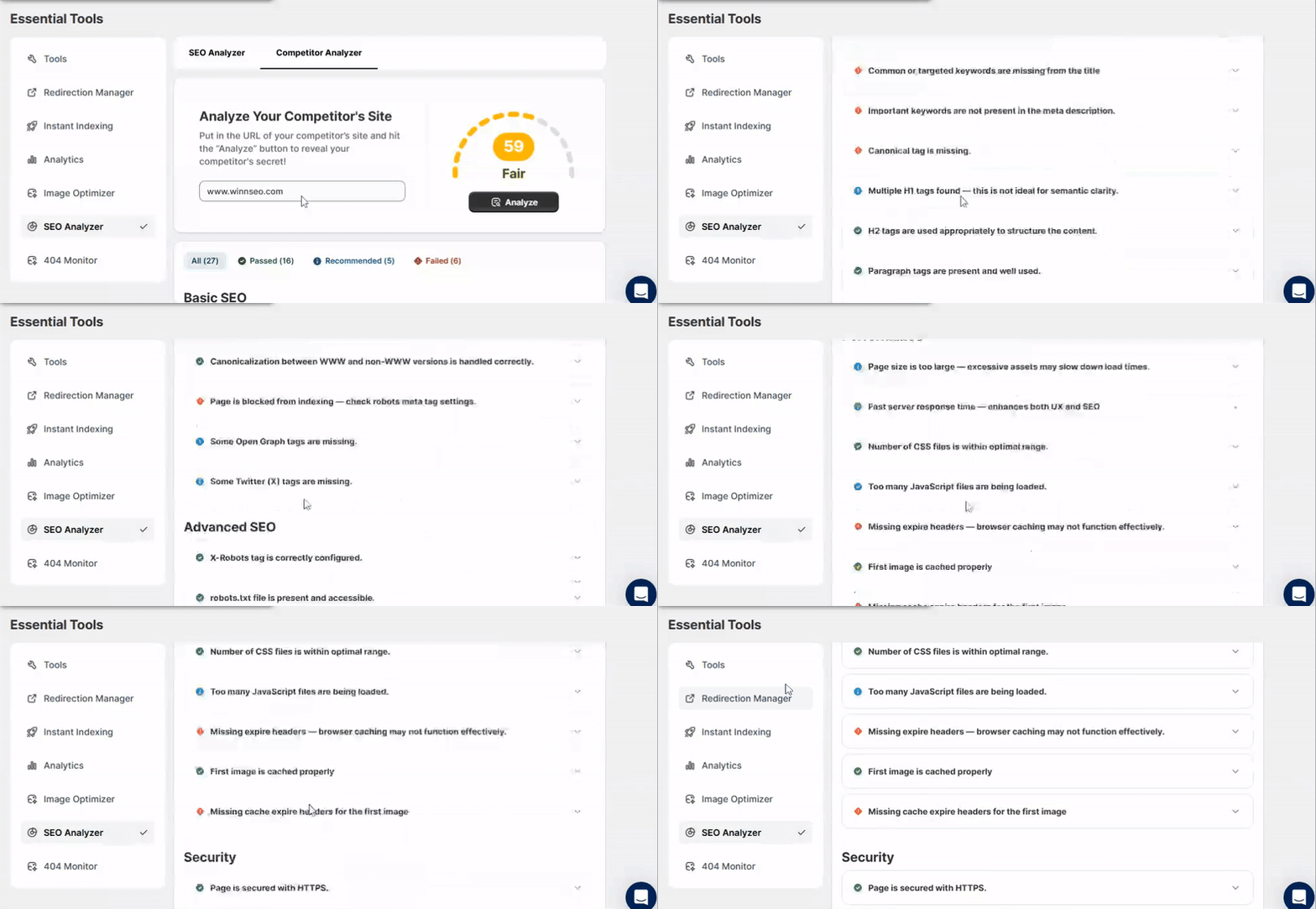
Let’s see what analysis WinnSEO performs for you. Below are the key tests and insights we provide:
What the Competitor Analyzer Checks
Basic SEO
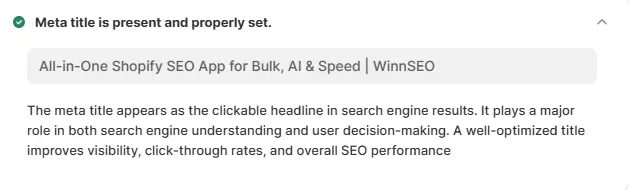
Meta Title
Your meta title is like the handshake for your website. It’s the very first thing people and search engines notice. It sets the tone and gives a quick idea of what your site is all about.
WinnSEO just checks that you’ve got a meta title in place on your homepage. Keep it short and sweet (under 60 characters) so search engines don’t chop off your catchy headline.
Meta Description
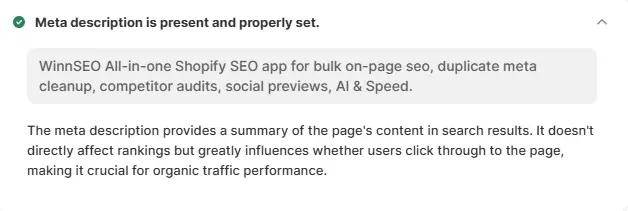
It works like a quick elevator pitch. The description gives a short summary of your page and shows up right under your title in search results.
To get it right, all you need is a brief, engaging line that tells people what to expect. WinnSEO suggests keeping it under 160 characters so search engines don’t have to guess what to display.
Common and Relevant Keywords in the Content
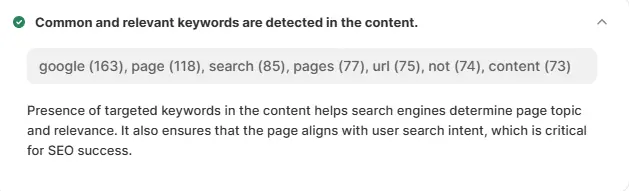
Think of keywords as little clues that tell search engines what your page is all about. When you use common and relevant words people actually search for, it makes it easier for your site to pop up in front of the right audience.
WinnSEO checks if your content has those useful, everyday keywords that match your topic. It’s like making sure you’re speaking the same language as your visitors so they can find you faster.
Important Keywords in Meta Title
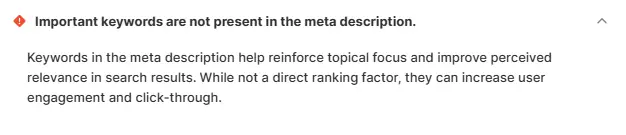
Your meta title isn’t just a headline. It’s the first thing both people and search engines see. Adding your main term and important keywords in there gives instant context about what your page offers.
WinnSEO simply makes sure your title includes those strong, must-have keywords. That way, your site shows up in the right searches and makes a clear first impression.
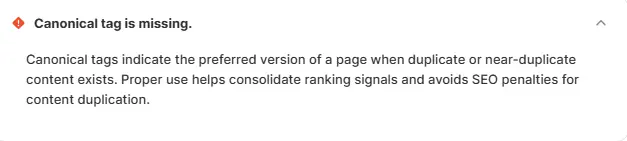
Canonical Tag
Sometimes websites have more than one page with almost the same content, and that can confuse search engines. A canonical tag is just a quick way of saying, “Hey Google, this is the main page, use this one!”
Missing the canonical tag means things are not tidy and it’s a red signal. You have to work on it to avoid duplicate content issues and makes sure the credit for your page goes exactly where it should.
H1 Tag
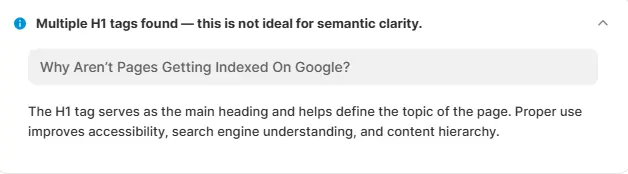
Your H1 tag is like the main headline of your page. It tells both readers and search engines what the page is mainly about. If it’s a book then it should be clear, bold, and right at the top.
Our App checks if you’ve added an H1 tag so your content has a proper starting point. Without it, your page can feel like a story without a title.
H2 Tags
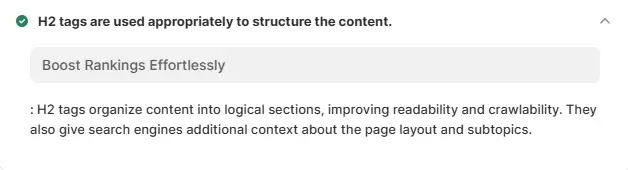
H2 tags are your subheadings. They break your content into neat, easy-to-read sections. They make scanning a page way smoother for readers.
WinnSEO looks for H2 tags to be sure your content flows well and search engines can understand the structure of your page. It’s like adding chapter titles to your story.
Paragraph Tags
Paragraph tags are the simple tags that wrap around your text. They keep your content clean, readable, and well-structured for both people and search engines.
Is your text a messy wall of words? If yes, then, you have to edit your content. If not, you’ve got the green signal.

Internal Links
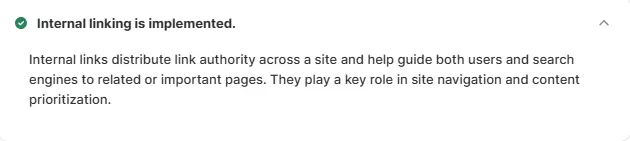
Internal links are links that connect one page of your site to another. They guide visitors around your website and keep them exploring longer.
The App checks if you’re using internal links to make navigation easier and to help search engines discover all your pages. It’s like giving readers a friendly tour of your site.
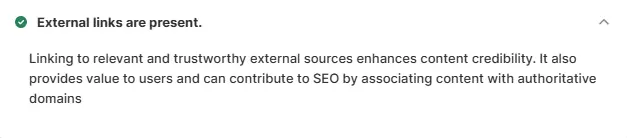
External Links
External links are links that send visitors from your site to another site. They add credibility by showing that you’re connecting to trusted sources.
If you’ve got external links set up, excellent! They’ll help search engines see your content as more reliable. It’s like saying, “Don’t just take my word for it, here’s proof!”
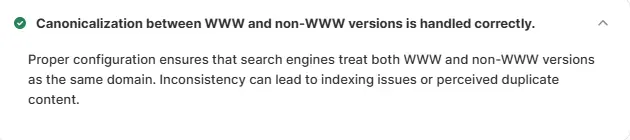
WWW Canonical
Search engines can be a little fussy hmm? They see www and non-www URLs as two totally different pages. That’s why you need to pick one version with or without “www” and stick to it.
Our tool reviews if your site is consistent. If not, you’ll need to set one as the main version and redirect the other, so both search engines and visitors know where to land.
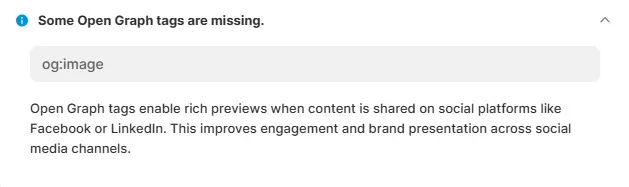
Open Graph Meta Tags
Open Graph tags make your site look sharp when you share it on platforms like Facebook or LinkedIn. They add the right title, image, and description so your page grabs attention.
If you don’t have them set up, WinnSEO suggests adding them in the Facebook settings. It’s a quick way to make your homepage look polished and more clickable on social media.
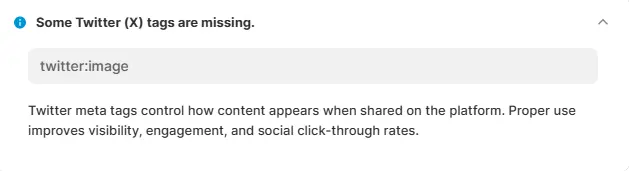
Twitter (X) Meta Tags
Twitter (X) tags are just like Open Graph, but made for sharing on X. They make your content show up with a neat preview instead of a plain link.
If these tags are missing, the test won’t pass. No worries though, you can easily add them through WinnSEO’s X settings and instantly improve how your page looks when shared.
Advanced SEO
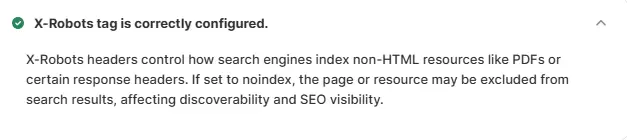
X-Robots Tag
The X-Robots tag is like a “do not enter” sign for search engines. It tells them not to index certain files or pages you don’t want showing up in search results.
If your homepage has this set to “noindex” by mistake, a clear red signal. Double-check your settings to make sure you’re not blocking the very pages you want people to find.
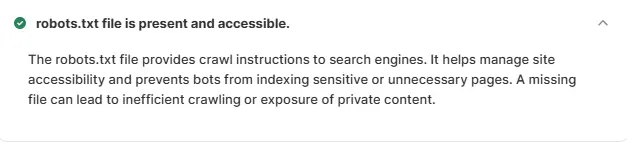
Robots.txt Presence
The robots.txt file is basically a rulebook for search engines, letting them know which parts of your site they can crawl and which ones to skip. It helps guide bots so they don’t waste time on unnecessary stuff.
Without this file, search engines crawl blindly, and that can slow things down. Adding a simple robots.txt gives you more control and makes your site easier to explore.
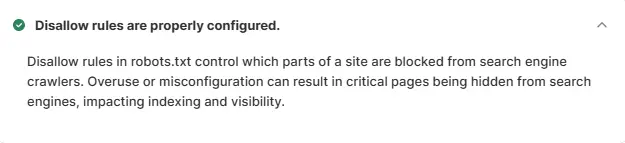
Disallow Rules
Disallow rules inside your robots.txt act like “keep out” notes. They tell search engines which pages or folders you don’t want them poking around in.
The trick is not to be too strict! It blocks only what truly needs to stay hidden. A quick review helps you avoid accidentally shutting off access to important pages you do want indexed.
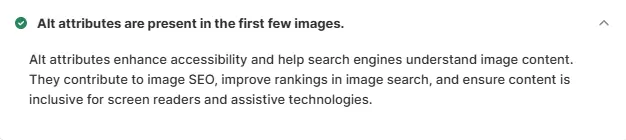
Alt Attributes
Alt text is the little description that tells search engines and screen readers what an image is about. It’s great for SEO and makes your site more accessible to everyone.
If your images are missing alt text, your page might not do as well in search results. Go ahead and add descriptive alt text to all images from your Shopify media files to fix it.
Performance
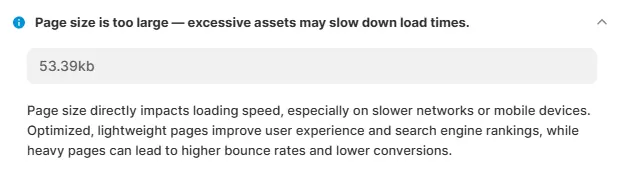
Page Size
A smaller page size means your site loads faster, especially on mobile or slower connections. Quick-loading pages keep visitors happy and engaged.
If your homepage is under 50 KB, you’re good to go! If not, try compressing images and trimming unnecessary files to make your page lighter and speedier.
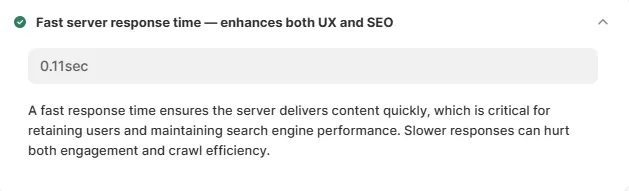
Response Time
Server response time measures how quickly your site starts loading after someone clicks. Slower times can make visitors bounce before they even see your content.
Aim for around 0.2 seconds. If your server lags, consider optimizing it so users get a smoother, faster experience.
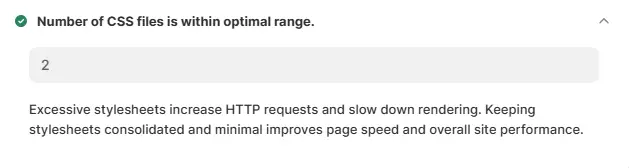
Total Stylesheets (CSS Files)
CSS files are like the stylists for your website, they control how everything looks and feel while keeping performance smooth.
Having too many CSS files can slow your site down. Try to keep it small like 5 or less to help your homepage pass this test and stay speedy.
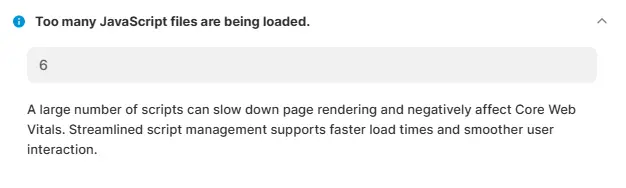
Total Scripts (JavaScript files)
JavaScript files make your site interactive and functional, but too many of them can drag down loading times.
Keeping the count low like 5 or fewer is ideal. If you have more, consider combining or deferring scripts to improve performance.
Expire Headers
Expire headers are like friendly notes to your visitors’ browsers, saying, “Keep these files for this long before checking for updates.” They help your site load faster for repeat visitors.
If your homepage doesn’t have expire headers, browsers won’t cache assets efficiently. Add them to your homepage files so your site passes the test and loads more smoothly.
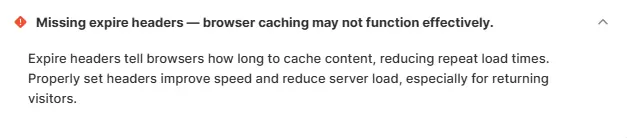
Image Caching
Caching stores images locally on a visitor’s device so repeat visits are quicker. It also prevents your site from slowing down under heavy load.
If the first image on your homepage isn’t cached yet, you might fail this test. Turn on image caching and enjoy faster load times for returning visitors.

Image Cache Expiry
Cache expiry tells a browser how long it can keep an image before checking for a new version. Setting this keeps your site speedy for visitors who come back often.
If your homepage’s first image is missing an expiry header, it’s easy to fix. Just add the cache expiry, and your site will feel noticeably faster for returning users.

Security
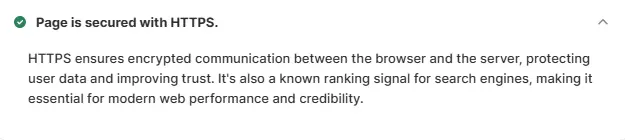
HTTPS
HTTPS encrypts the connection between your website and visitors, keeping data secure. It also helps build trust and is a big plus for SEO.
Check your SSL status to make sure your site is using HTTPS. If it’s not, switch it on, visitors will feel safer, and your site will pass the security check.
Why This Matters for Shopify Merchants
With the Competitor Analyzer, you don’t just guess at SEO, you get a step-by-step roadmap to beat your competition.
- Benchmark your store against others in your niche.
- Spot weaknesses holding your site back.
- Find easy wins (like missing titles, alt tags, or caching).
- Turn competitor insights into real SEO growth.
It’s like having a free audit on your rivals, and a clear action plan for your own store.
WinnSEO Competitor Analyzer is your secret weapon for growing smarter. It highlights what your competitors are doing, shows you where to improve, and gives you confidence that your Shopify SEO is moving in the right direction.
Already using WinnSEO? Open your dashboard and run a competitor analysis today. You might spot an easy win you can implement right now.
Not using WinnSEO yet? Start Using and see how our Shopify competitor analysis tool can help you rank higher, attract more visitors, and grow sales.
