
Your WinnSEO app has some super cool global settings that can give your entire store an SEO boost. Think of these as your master controls, which allow you to decide how your whole site shows up in searches.
Let’s show them one by one with details.
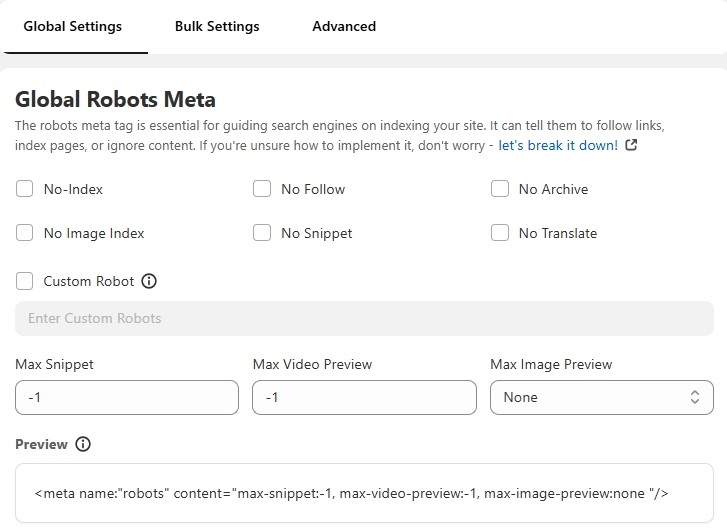
Table of Contents
Features of Global Settings
Now, we’ll discuss all the global setting options WinnSEO offers.
Global Robots Meta
Let’s talk about the Global Robots Meta in WinnSEO’s Global Settings. This little but mighty feature lets you tell search engines like Google how to crawl and index your entire site. It’s super important because it helps you control what shows up in search results and what doesn’t. Let’s see the options here:
Here’s a short description of each of those robot meta tags:
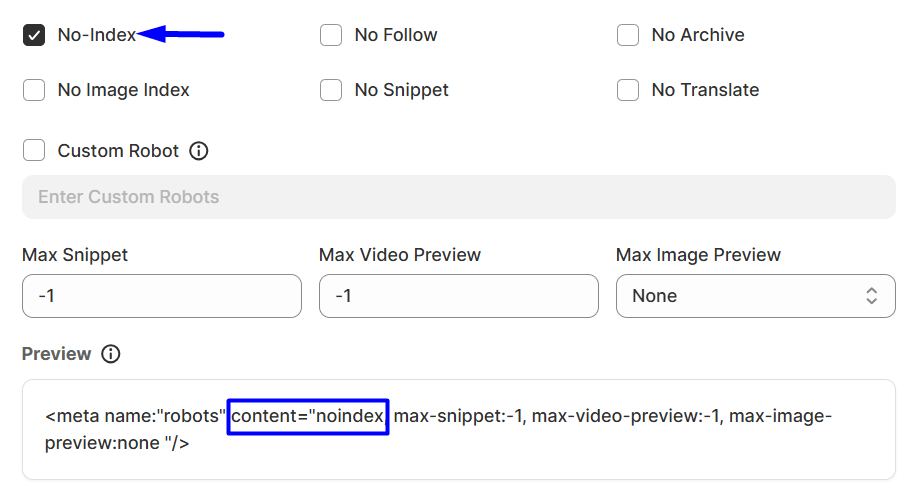
- No-Index: It tells search engines not to include your site or content in their search results.
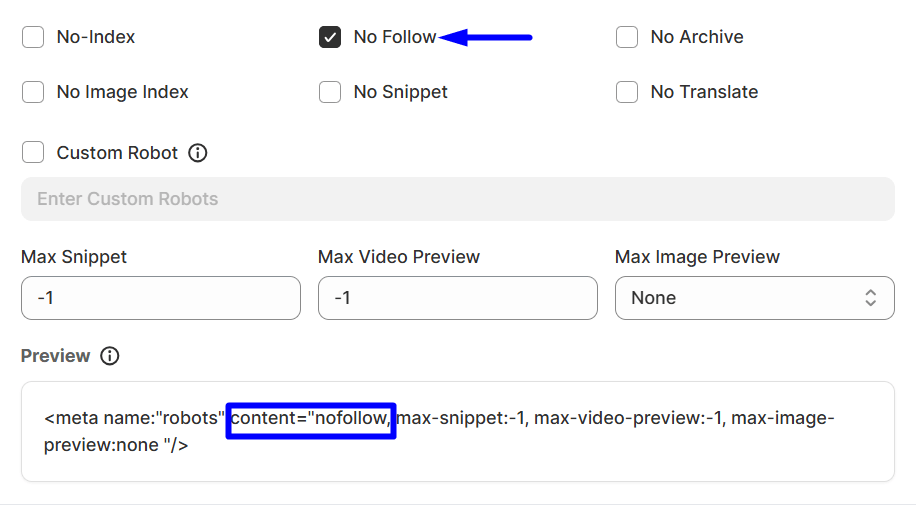
- No Follow: “No Follow” is like telling search engines, “Hey, don’t pass any of my page’s ‘link juice’ to every single link present on the page. Maybe those links are less important or untrusted, so this option keeps your own page strong.
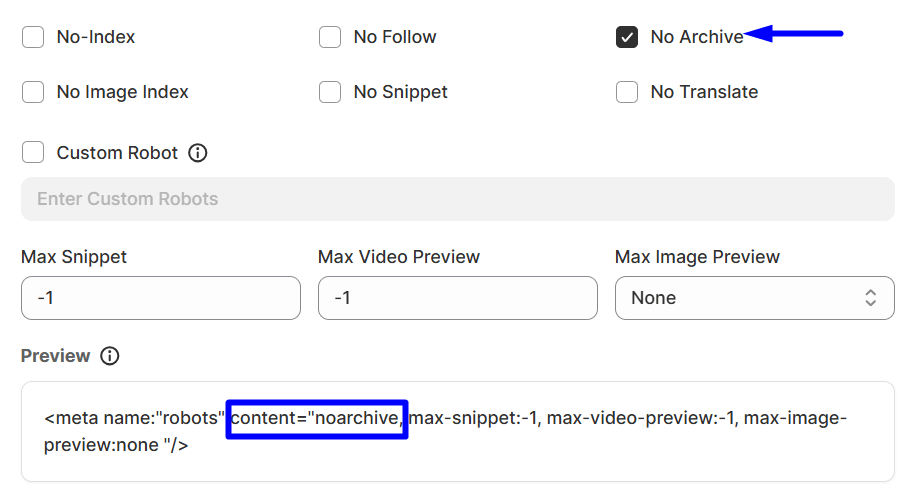
- No Archive: If you enable this option, it’ll prevent search engines from creating a cached copy of your page. Visitors won’t be able to see a “cached” version of your site if they click on it in search results.
- No Image Index: Don’t want to index any images found on a particular page? Enable it and your images won’t appear in Google Images searches.
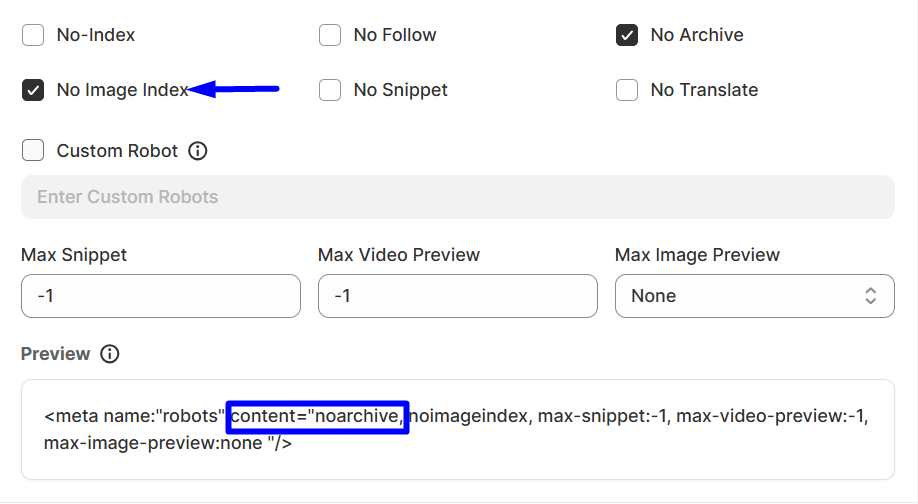
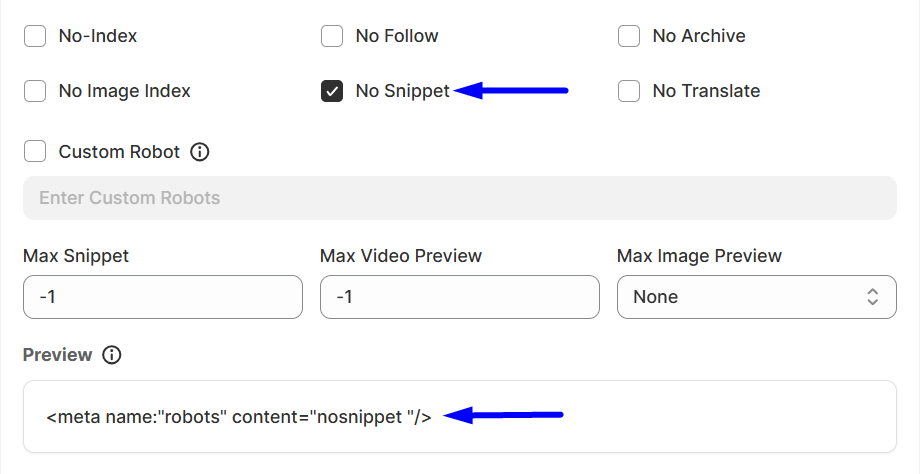
- No Snippet: This is another super helpful option to instruct search engines. You can utilize it to tell Google not to display a text snippet or video preview of your page in the search results. Users will only see the title and URL.
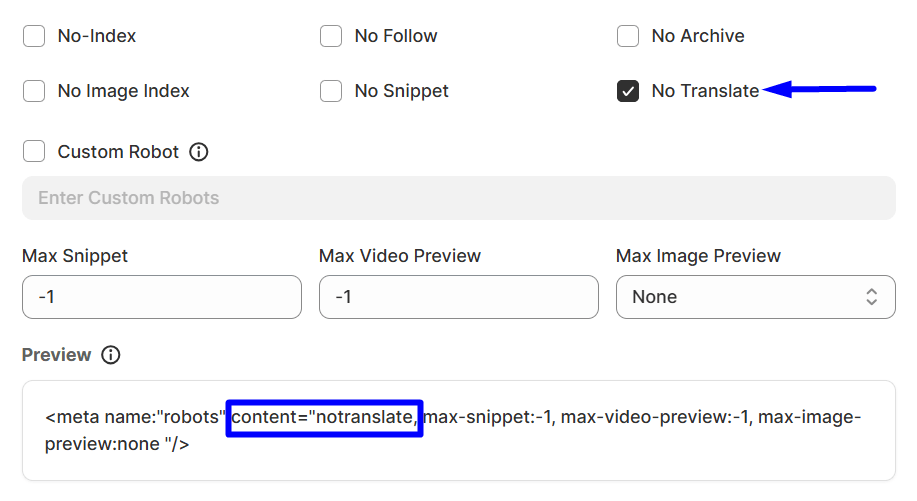
- No Translate: Sometimes you don’t want to offer a translation of your page in search results. Then this setting will help you. You can inform Google not to offer to translate your page in your search results.
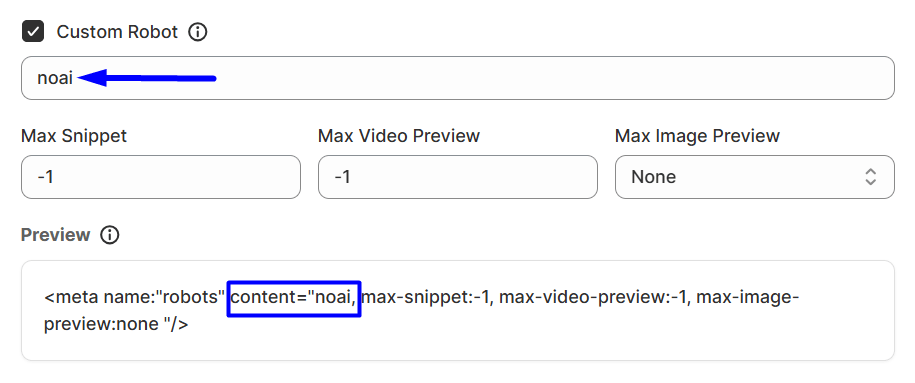
- Custom Robot: This gives you the flexibility to define specific, custom instructions for search engine robots that aren’t covered by the standard rules. It’s for advanced users who need very precise control over bot behavior.
Example: You can use “noai”. It tells bots not to use this content for AI training.
- Max Snippet: This directive lets you control the maximum length, in characters, of the text snippet or the little description that search engines display for your page in search results. You can set it to:
0 means no snippet
-1 means allow any length
Or a specific number. The max-snippet:100 for 100 characters. - Max Video Preview: This is for controlling the maximum duration, in seconds, of a video preview that search engines might show for your video content in search results. You can set it to:
0 means no video preview
-1 means allow any length
Or a specific number of seconds. The max-snippet:15 for a 15-second preview. - Max Image Preview: Basically, with it, you can set a cap on how big the image preview for your page appears in search results.
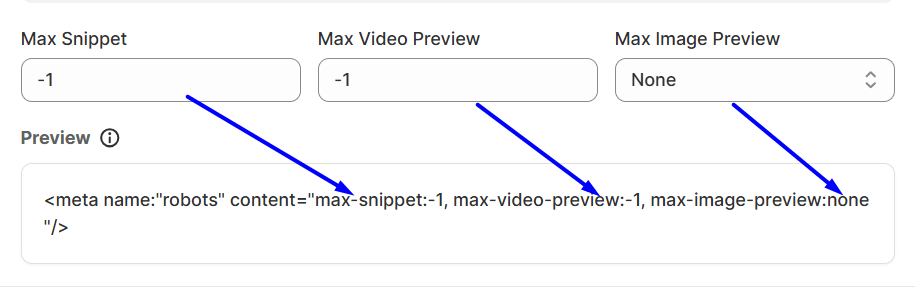
Options usually include:
- None means no image preview
- Standard means the default preview size
- Large means a larger preview size
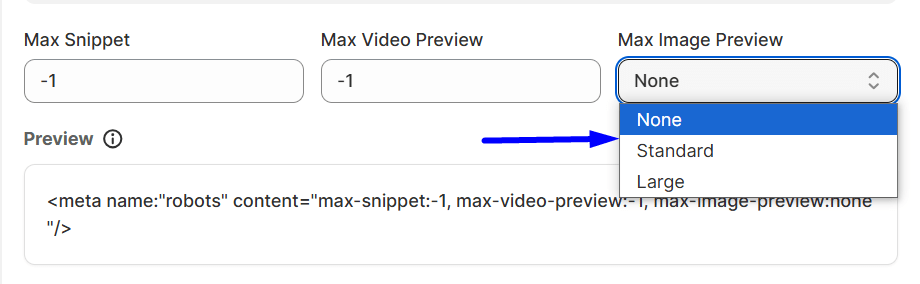
NOTE: If you mark a page with “No-Index” or “No Follow,” any other settings for that page essentially won’t work. Because if the page isn’t in Google’s index, or if Google isn’t even following links on it, there’s nothing for those other settings to apply to.
Title Separator
A Title Separator uses symbols like dashes, ticks, pipes, etc. to neatly divide parts of your webpage title. WinnSEO offers various pre-set options to choose from.
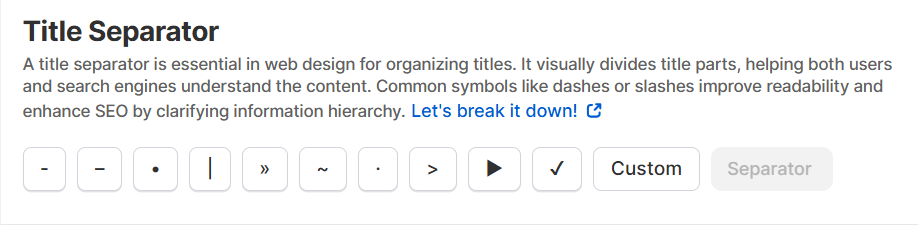
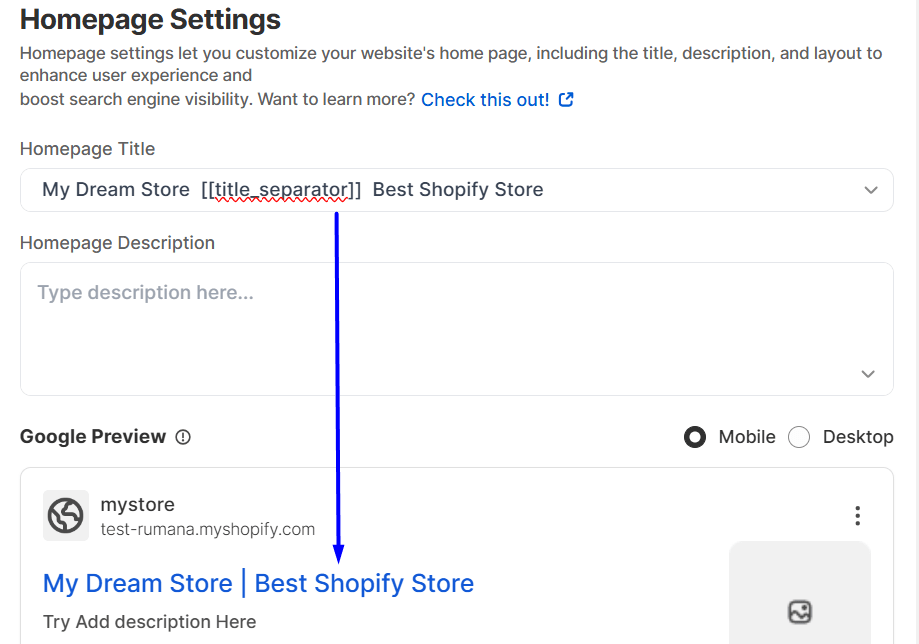
If you choose [[title_separator]] variable, it’ll look like this:
Homepage Settings
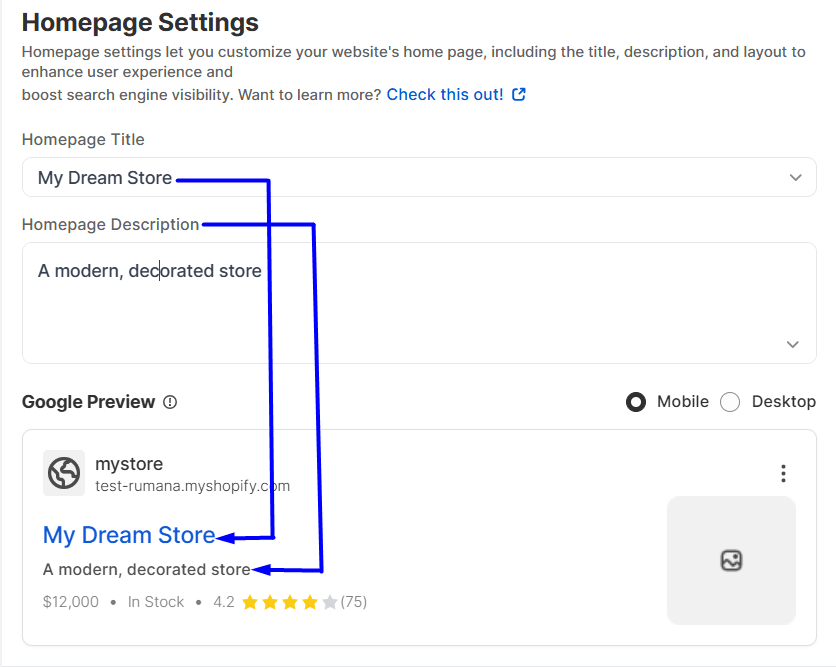
Homepage Title: Feel free to type in any title you like for your homepage. It’s quick, you’ll get an instant peek at how it looks in search results via the “Google Preview” right below.
Homepage Description: Just like with the title, craft a description for your homepage here.
Plus, the simple dropdown menu lets you choose dynamic bits for your title and description. Like your store’s name or even the current year. Also, you can see the chosen title separator from the options.
Site Name
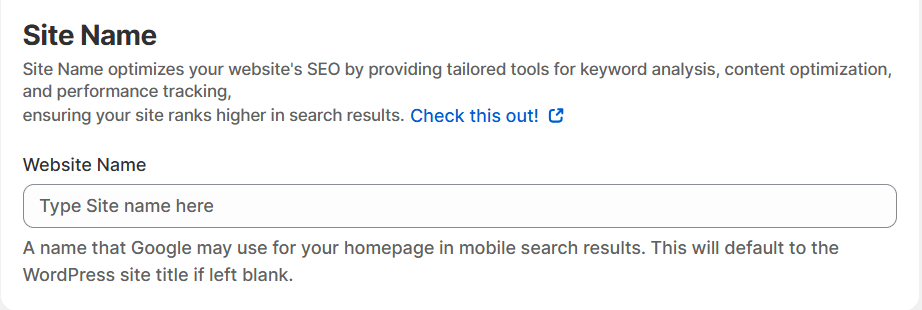
Here, you can set your brand name. Google and other search engines may use the site name for your homepage, specifically in mobile search results.
Understanding and correctly configuring all these settings is crucial. So, now you can guide your pages’ interaction with search engines and improve their visibility. To learn more about this, check our blog on your website site name.
